About Me
Video tutorial
Overview
The About Me window tells a bit about the founder and developer of B45 Labs and how to reach them, with a Contact link that opens a pre-addressed email and a Donate link that opens the Stripe donation page. If you have saved a User Profile, the window greets you by your Preferred Name.
How to use
- In the B45 Labs | Coordination tab, open the Main panel and click About Me.
- The About Me window opens with developer information and links.
- Click Contact to open a pre-addressed email, or Donate to open the Stripe donation page in your browser.
Screenshots
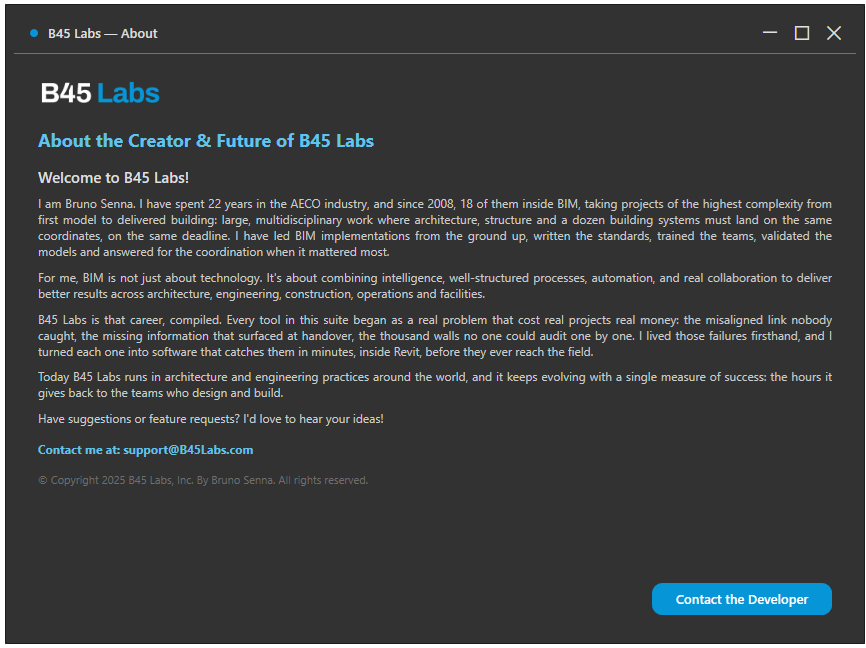
About Me window
Tips & Notes
- Fill in User Profile and set a Preferred Name to have this window greet you by name.
- Contact is the primary action on this window, so reaching a person is the default path rather than something to hunt for.